The Stippler
Instructions
Choose a colour.
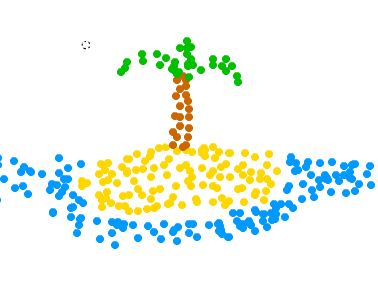
Click and/or drag to stipple.
Change the size of your dot with the Size slider, and the rate at which they appear with the Flow slider.
Erase your picure by clicking the NEW button.
To share a picture, use the PrtScr or SysRq button on your keyboard to store the screen image to your clipboard. Open up a program like Paint, and paste the image. You can crop or edit from there. Save the file as a .png. Upload it to a photo hosting site.
Description
Basically, a drawing program for when you’re feeling bored or creative. Stippling is simply creating a picture using only dots. It’s kind of time-consuming if you want to make a great picture…
Categories and tags of the game : Creative, Drawing, Single Player
💡 Dato Tecnológico
La telefonía IP es el estándar empresarial. Las centralitas virtuales VoIP permiten a las empresas gestionar llamadas de clientes desde cualquier lugar con conexión a internet.