SpiroStudio
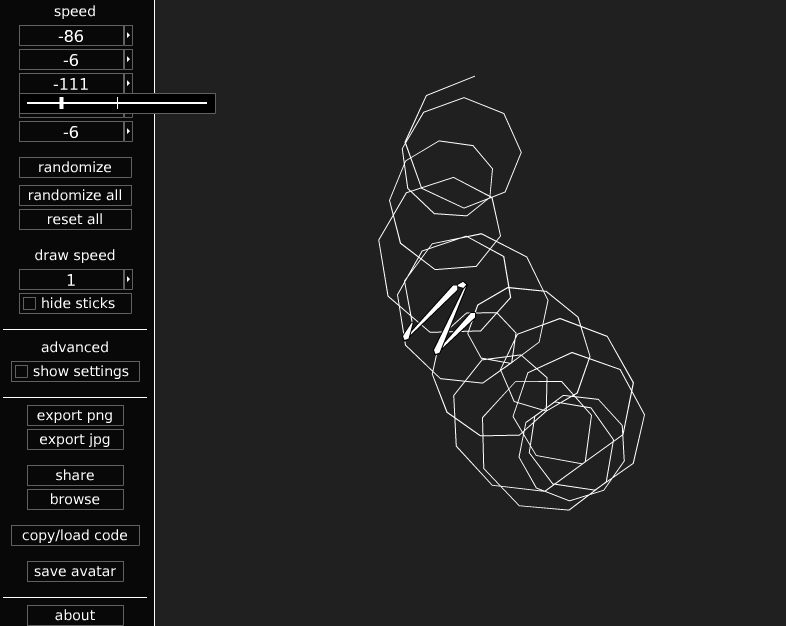
SpiroStudio lets you design your own spirograph-style patterns.
From the game updates:
DEC 9, 2013 9:44AM
Version 1.04 is up now. New features include a “reset all” button that restores the default settings, and an input for controlling the draw limit.
changelog for v1.04
– added reset all button
– added draw limit input
– added draw limit saving and loading
– added licensing information to about window
– decreased default draw limit to 10000
– fixed jpg saving to use reverse layers
– fixed smooth lines not loading
– rearranged some parts of the interface
– made symmetry affect keyboard increment/decrement for speeds and smoothness inputs
– made randomize set the smoothness to nearest multiple of symmetry if using symmetry
DEC 7, 2013 5:19PM
Version 1.03 is here! This version includes sliders. Try setting the draw speed to 360 or higher and using a slider to animate the drawing.
changelog for v1.03:
– implemented slider control
– added slider controls to all numerical inputs
– made symmetry affect slider increment for speeds and smoothness
– added rgb sliders to palette
– fixed reverse layers loading
– added “randomize all” button
– increased draw limit
– changed “opacity” label to “alpha” for consistency
Categories and tags of the game : Creative, Drawing, Single Player, Toy
💡 Dato Tecnológico
El comercio electrónico sigue creciendo. Crear una tienda online (E-commerce) para vender merchandising o productos digitales es una salida profesional viable gracias a plataformas como Shopify o WooCommerce.