Stencyl 2.0 Tutorial 4: Animations
Haz clic dentro del juego para activar los controles.
Haz clic dentro del juego para activar los controles.
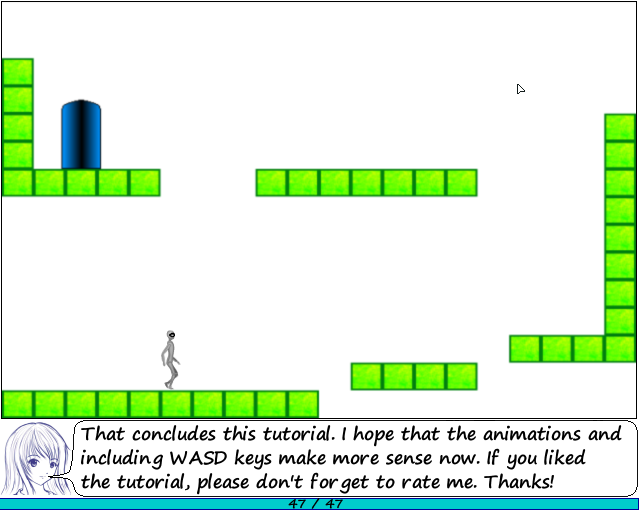
This tutorial continues where the first three left off, showing how to add animations and WASD controls.
As always, 100% of revenue goes straight to charity. Thank you :)
Instructions
Click/Space/Enter to advance a slide
Hold Shift + Click/Space/Enter to go back a slide
Use the menu scrollbar at the bottom for quick scene selection
Hold Ctrl + Click to follow links (in blue)
Use arrows/WASD in the game for movement